Broadcast Suite

Run your broadcast.

Commentary, graphics and timing. Comms, audio, vision and trackside crew tools.

Cue

Commentator screens and competitor information lookup. Booth, remote and producer screens, talkback and partylines.
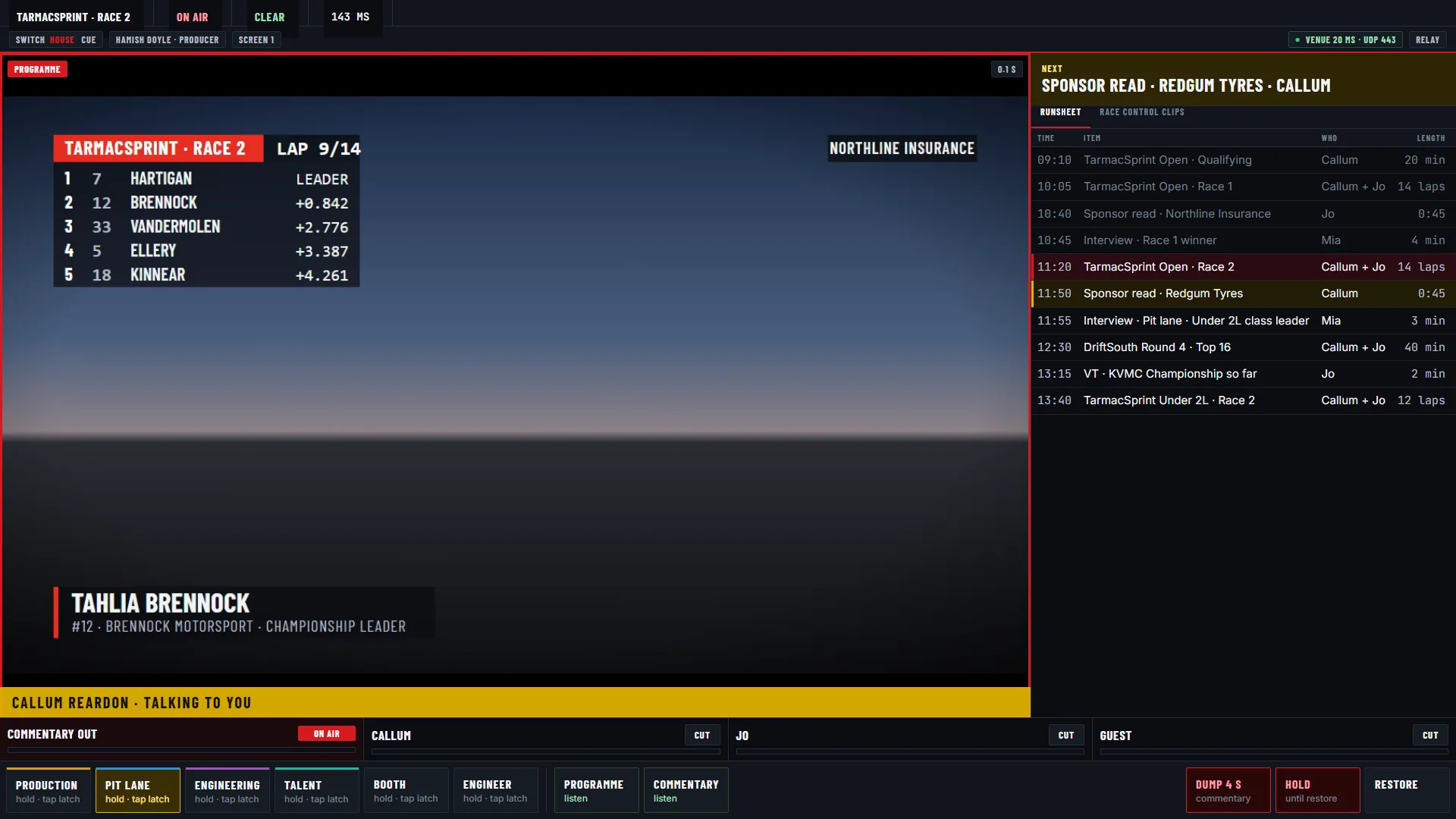
Cue producer screen with the programme picture, runsheet, a commentator talking to the producer and direct talk keys
Producer: programme, runsheet, who is talking to you, and the keys to talk back.
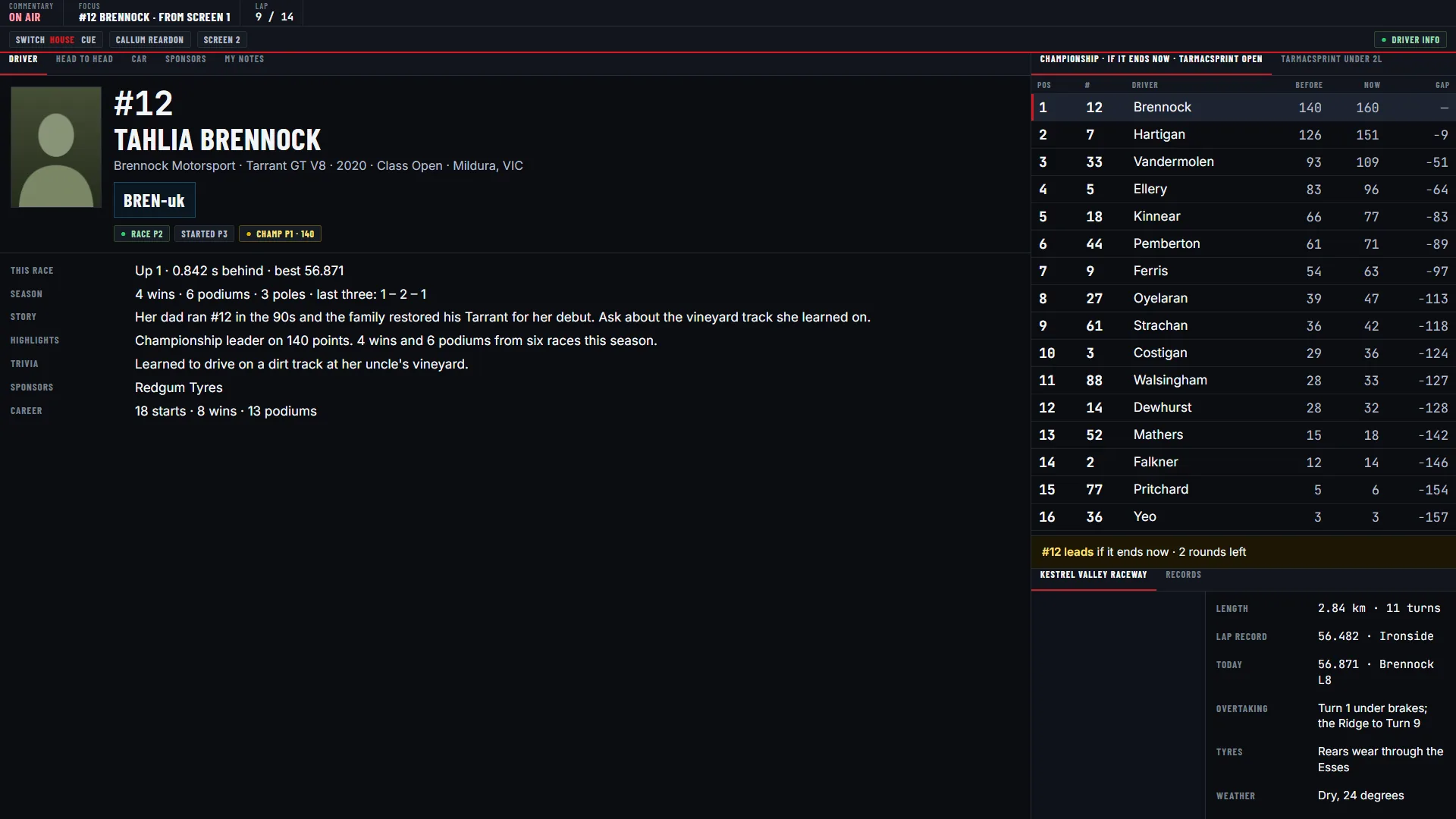
Cue booth screen showing a full driver profile with notes and highlights beside the championship if it ends now
Booth: a driver’s profile, notes and the championship as it stands.
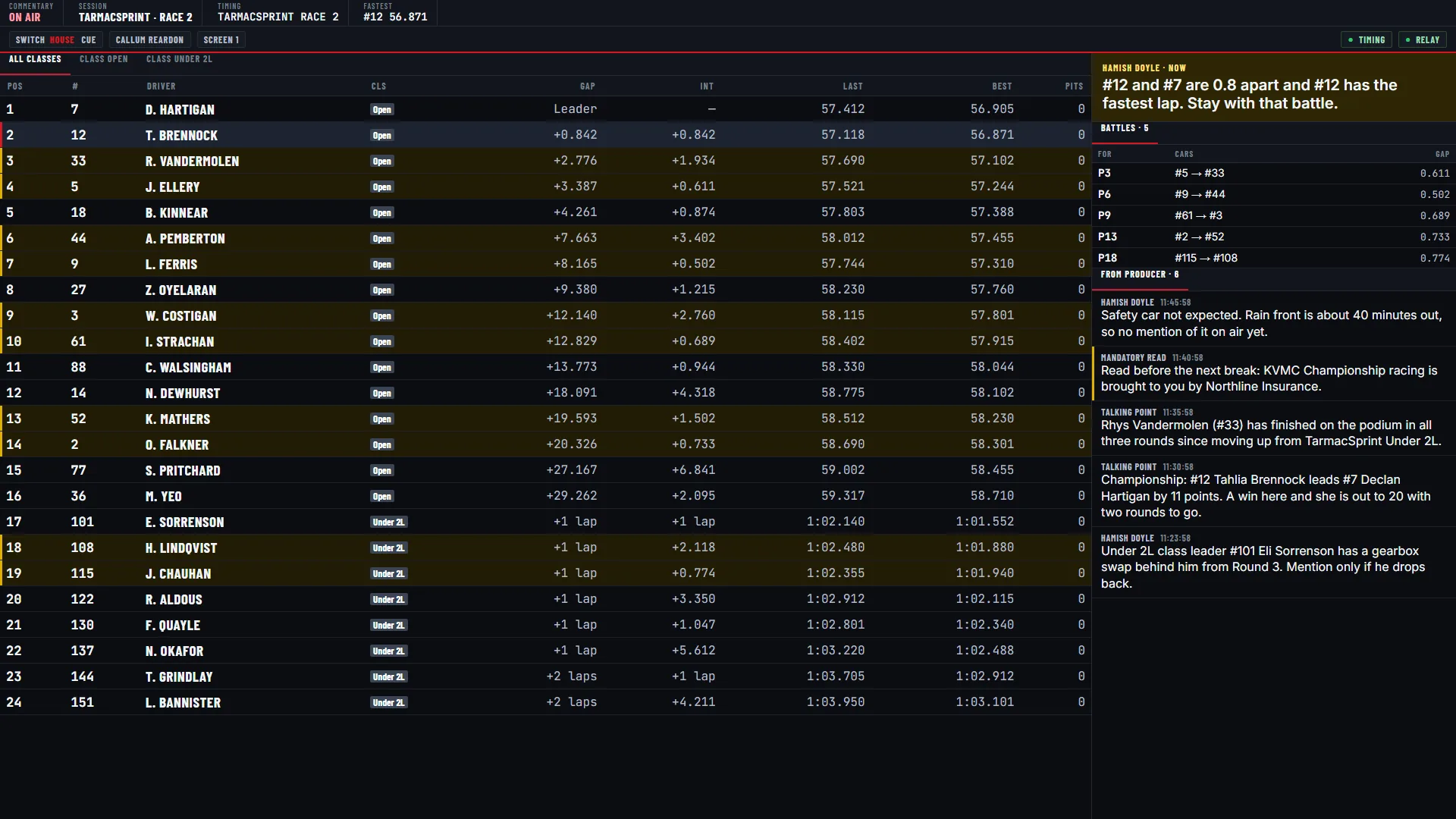
Cue booth leaderboard of 24 cars with battles and messages from the producer
Booth: the field, the battles and messages from the producer.

Relay

Low-latency comms, audio and vision relay. Programme in, commentary out. Works through any venue firewall.

Node

Camera and interview crew information, feedback and talkback. Hardware version coming soon.

CG

Broadcast graphics, video playout and the graphics operator’s desk.
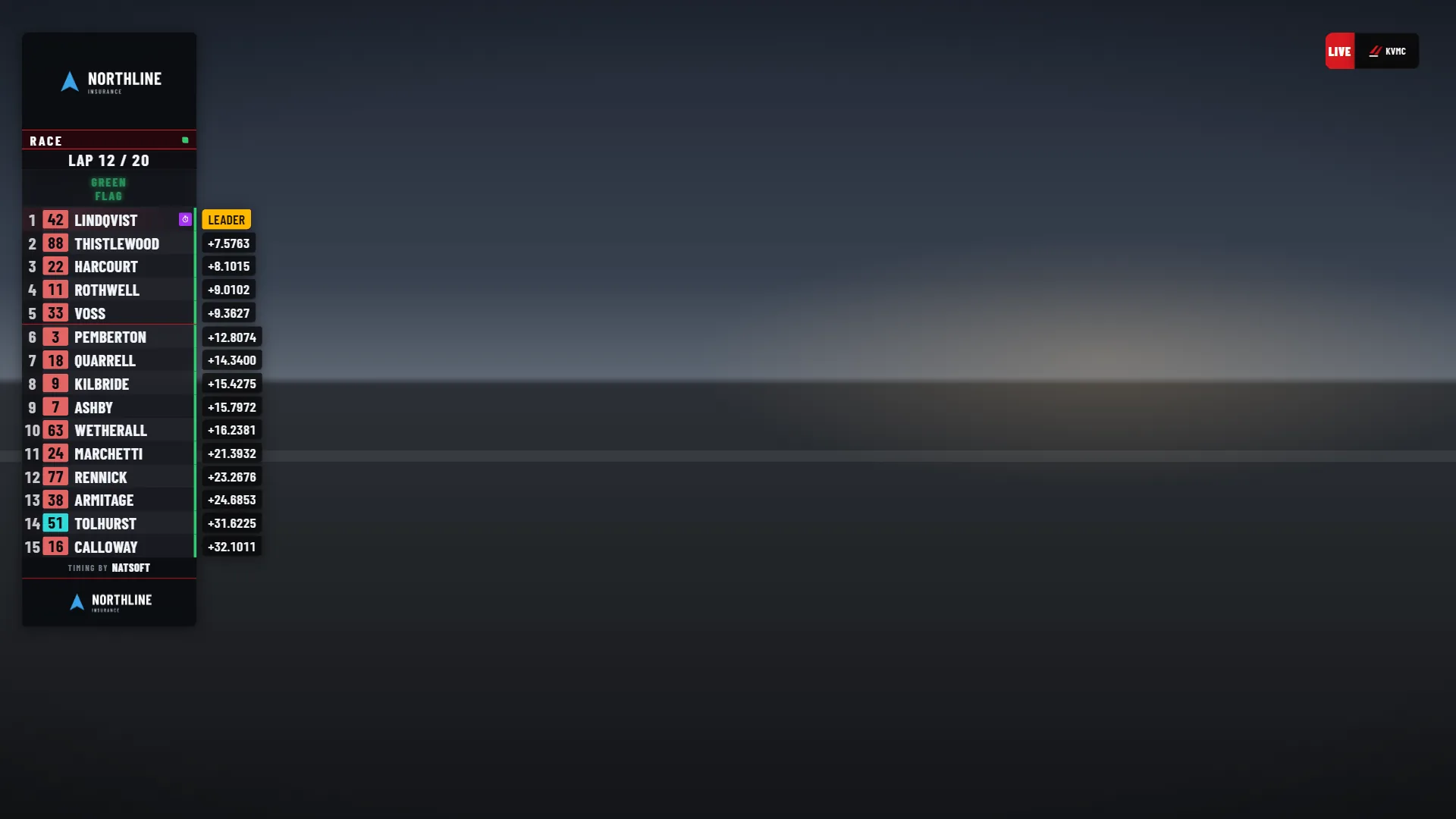
A broadcast timing tower showing the top fifteen cars with gaps, over a dark stand-in for race video
Timing tower: positions and gaps, live from timing.
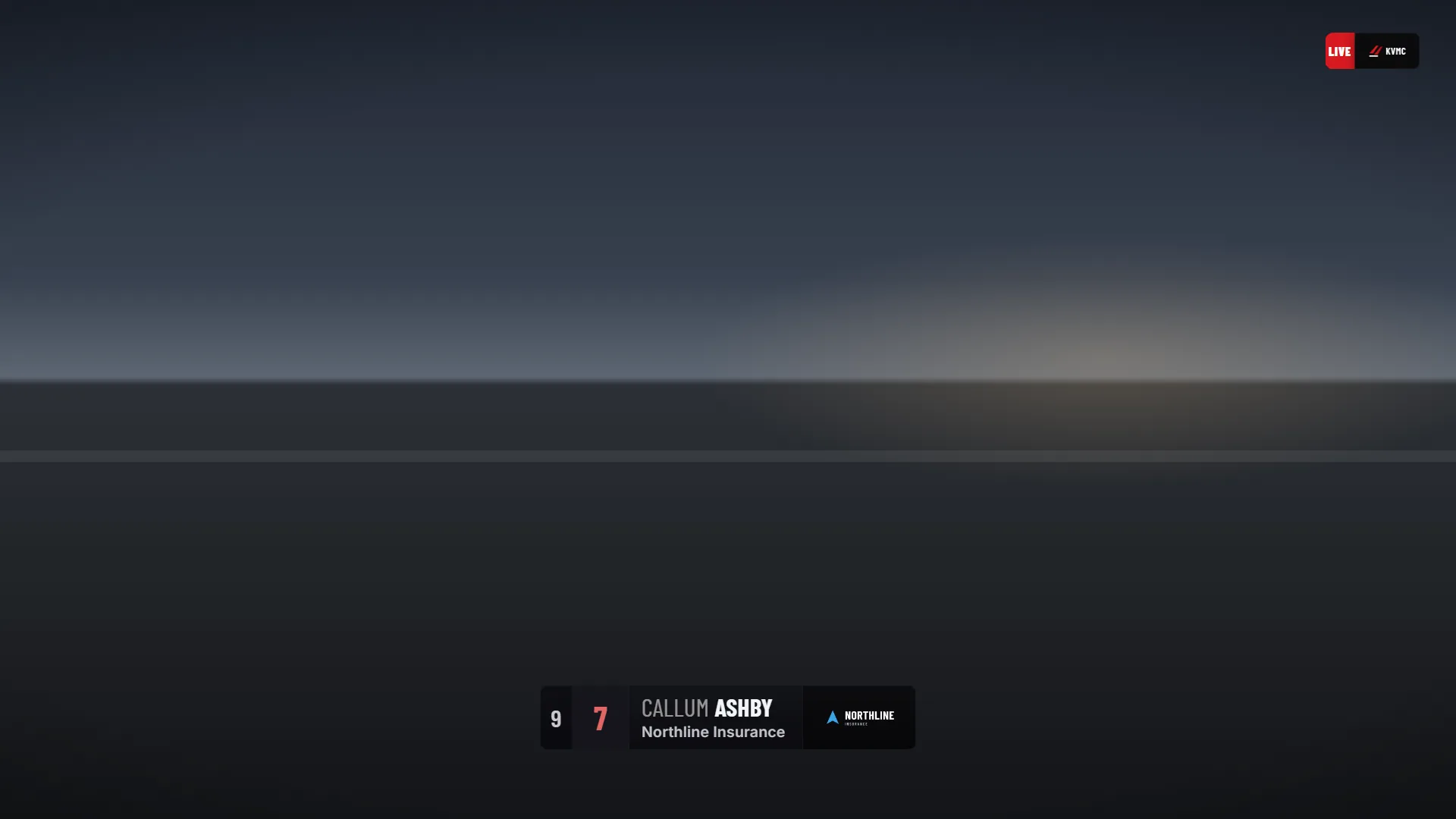
A broadcast lower third showing a driver’s name, number, position and sponsor
Lower third: the driver, the number and the sponsor.
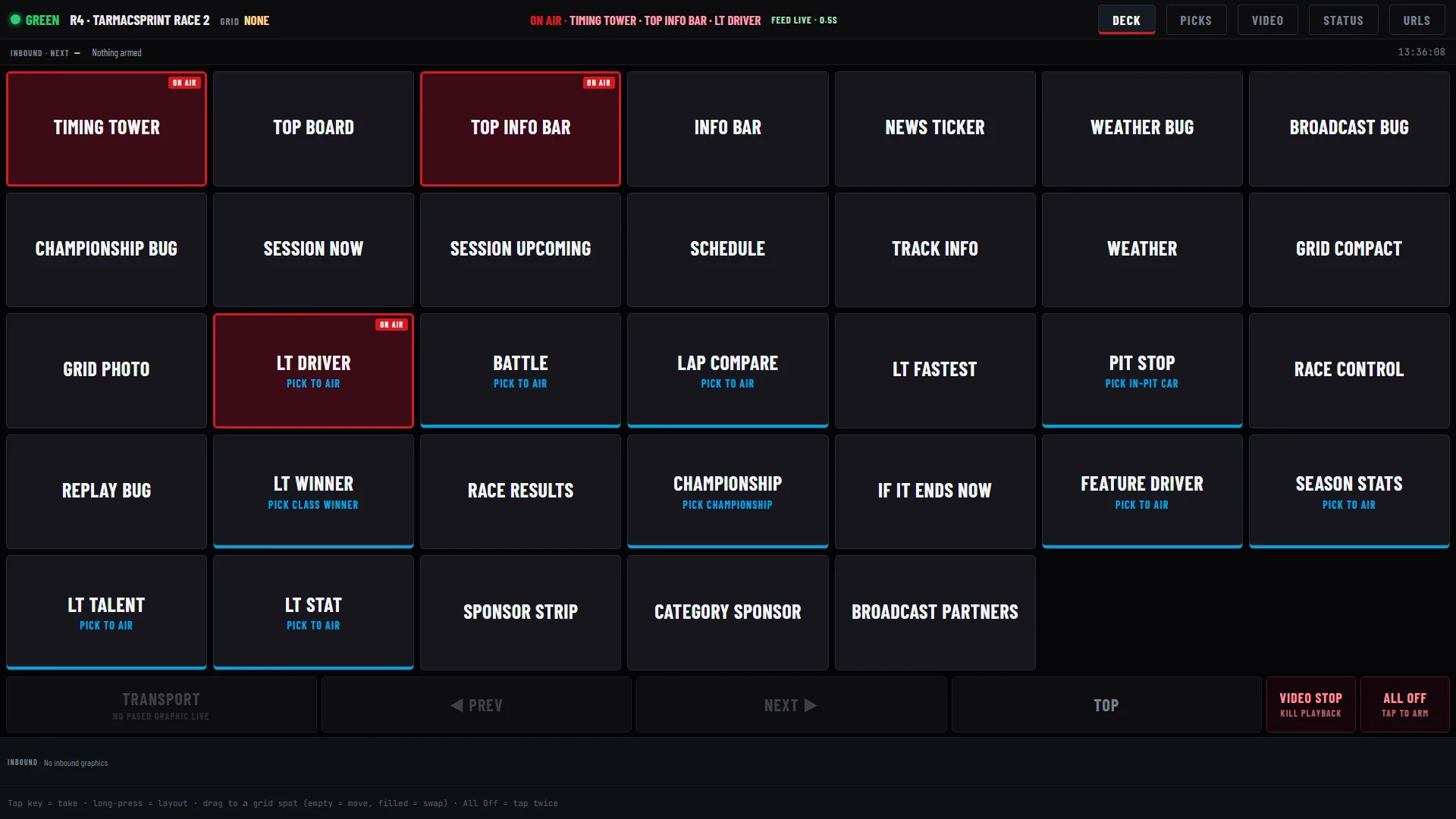
The graphics operator’s deck with graphics on air highlighted in red
Operator desk: take graphics to air, and see what is on.

Timing

Timing feeds from Natsoft, MYLAPS Orbits and Portatree, served live to every other product.

Screens show a demonstration club, Kestrel Valley Motor Club, with made-up members, drivers and results.

Talk to SwitchHouse.

Tell us what you need to manage or put on air.

Get in touch